NEW COLOUR DROP: Get a taste of a vibe-setting shade. Limited edition Sunset Peach. Shop
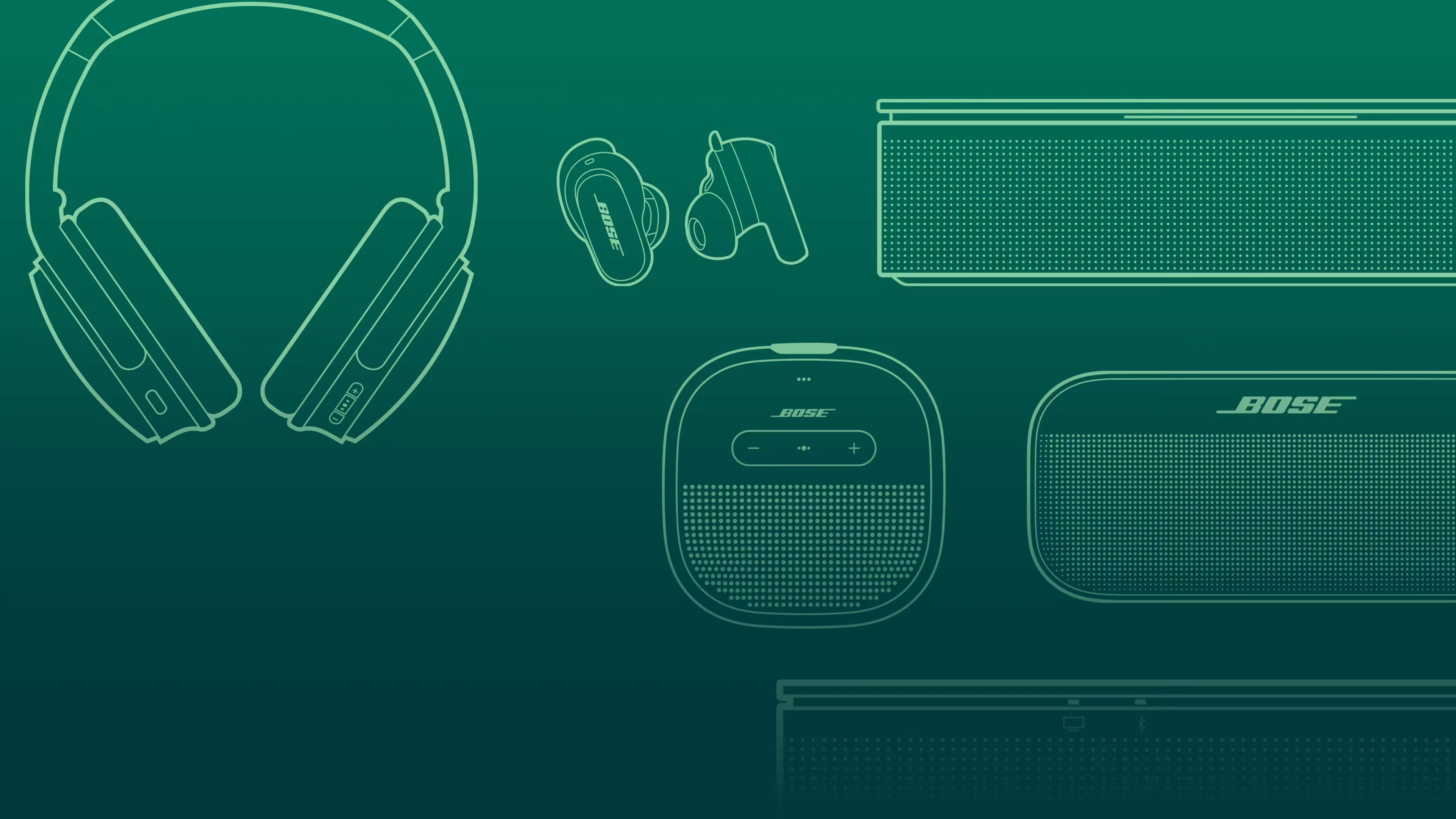
Certified Refurbished Sale
Save on like-new Bose products for a limited time.
Trending products
-
-
Colour: Black
-
Colour: Twilight Blue
-


NEW COLOUR DROP
Sound up on sunset
Get a taste of a vibe-setting shade. Limited-edition Sunset Peach.
Sweet gear for every ear
Seize the day your way with the right buds for whatever moves you.
Sound, meet style
Legendary noise cancellation and iconic audio available in new headphone shades.
BOSE AUTOMOTIVE
True believers in the power of sound
Why buy from Bose
-
90-day return policy
Try it for 90 days to make sure it’s right for you.
-
Price match promise
Shop confidently. We’ll match a lower price.
-
Complimentary delivery
On all in-stock orders of $89 or more.
-
My Bose perks
My Bose members receive welcome and birthday offers, exclusive experiences and more.
Important recall notice regarding certain Acoustimass, Lifestyle and Companion system bass modules manufactured prior to 1 April 2006.