


Back to article
3348
Adding an iHeartRadio account
If you are in the U.S., Canada, Mexico, Australia, or New Zealand, you can add the iHeartRadio music service to your Bose account for access to a variety of streaming content.
To add an iHeartRadio account:
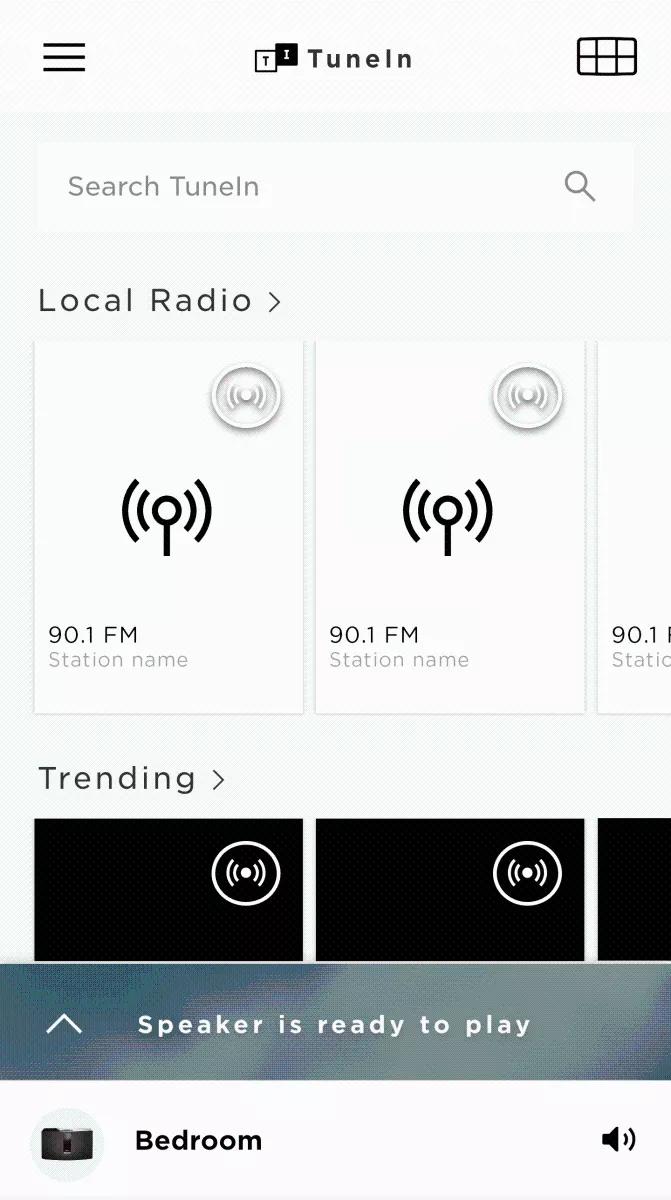
- In the SoundTouch app, choose the Menu icon in the upper-left corner.
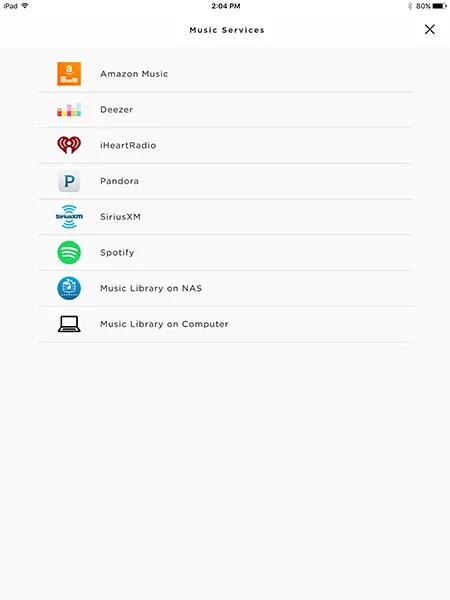
- Choose Add Service
- Choose iHeartRadio:
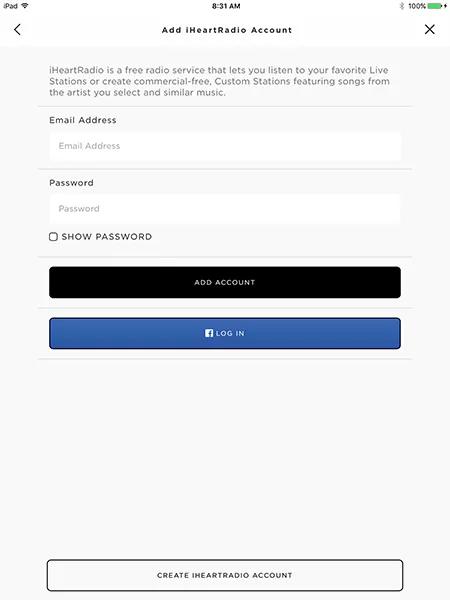
- To log in to an existing iHeartRadio account, enter the email address and password for the account and choose ADD ACCOUNT.
- To log in to an existing account iHeartRadio account linked to a Facebook login, choose the LOG IN button with the Facebook icon, then enter the account credentials.
- To create a new account, choose CREATE IHEARTRADIO ACCOUNT and enter the new account info*.

To add an iHeartRadio account:
- In the Bose app , tap the products icon
in upper-left corner.
If you don't see the icon, proceed to the next step. - Tap the account icon
in the upper-right corner.
- Select Manage Music Services.
- Select Add New Service.
- Scroll to and select iHeartRADIO.
- Follow the app instructions to log in to or create an iHeartRadio account.
The app will use the default web browser of your device to access the iHeartRadio website for completing this process.
Was this article helpful?
Thank you for your feedback!